How to Install Add'Ons Manually :: MacOS
The first step is, obviously, to download the zip package from somewhere trustworthy, and then open the Downloads directory (the usual place where browsers download things) and then unzip the thing on a directory on the same place where the zip is.
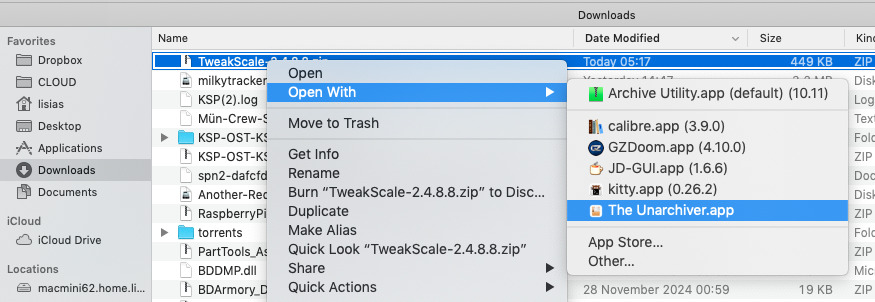
On this example, I', using The Unarchiver but any unzip tool works.
Download the zip file somewhere
Self explained. Usually browsers download files into your ~/Downloads directory ("home" Directory)
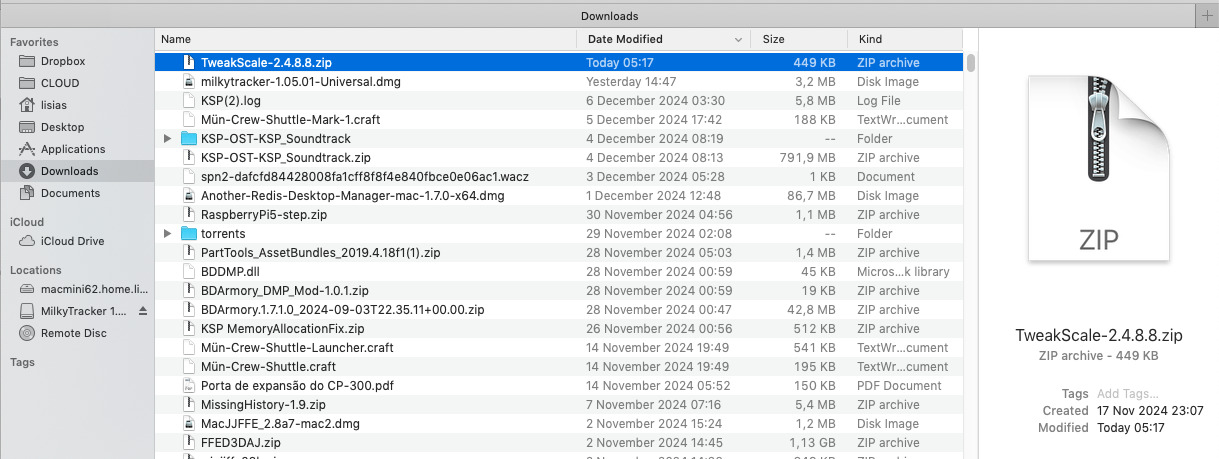
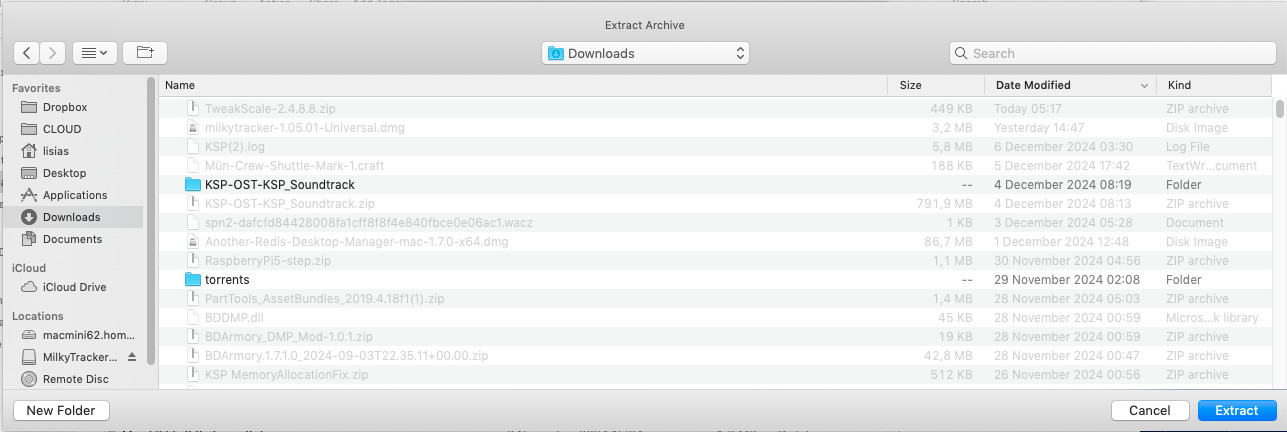
Now unzip the file using an unarchiver tool
On this example, I used The Unarchiver, but anyone will do. Unzip the content into the same directory where the zip file is to minimise switching windows.
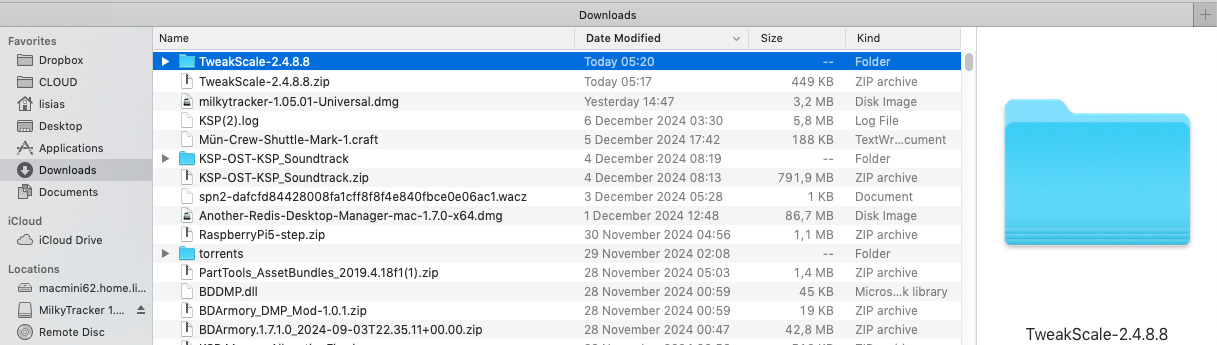
Now tell Finder to open the unzipped directory
Just double-click on it.
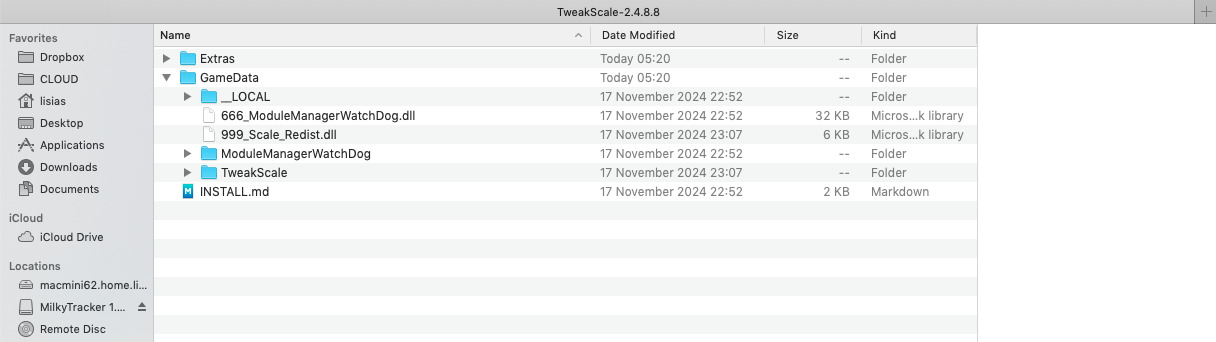
Now open the GameData from the target KSP
Remember to leave the window near the other one, so you can switch them easily.
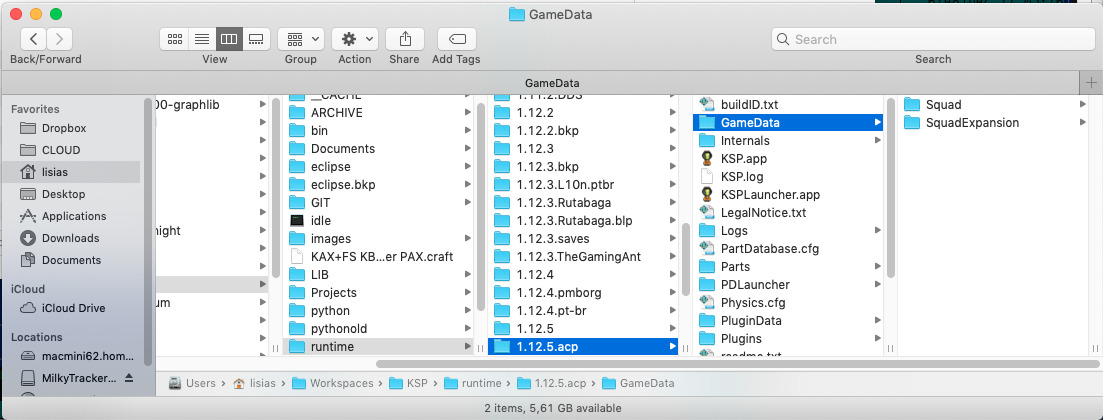
Select the files to be installed.
Use ALT-Click for moving more than one.
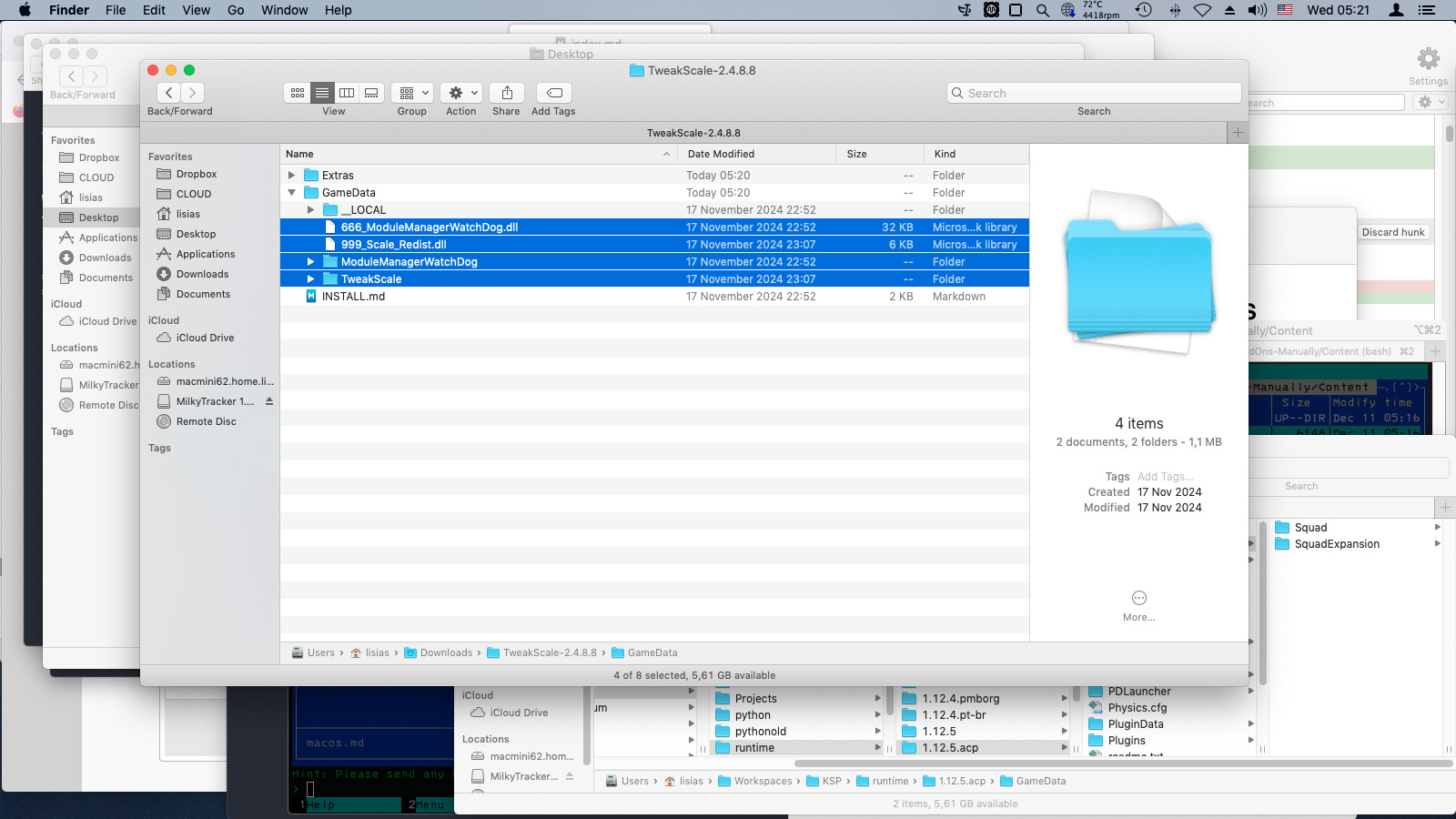
And now drag the files into the destination
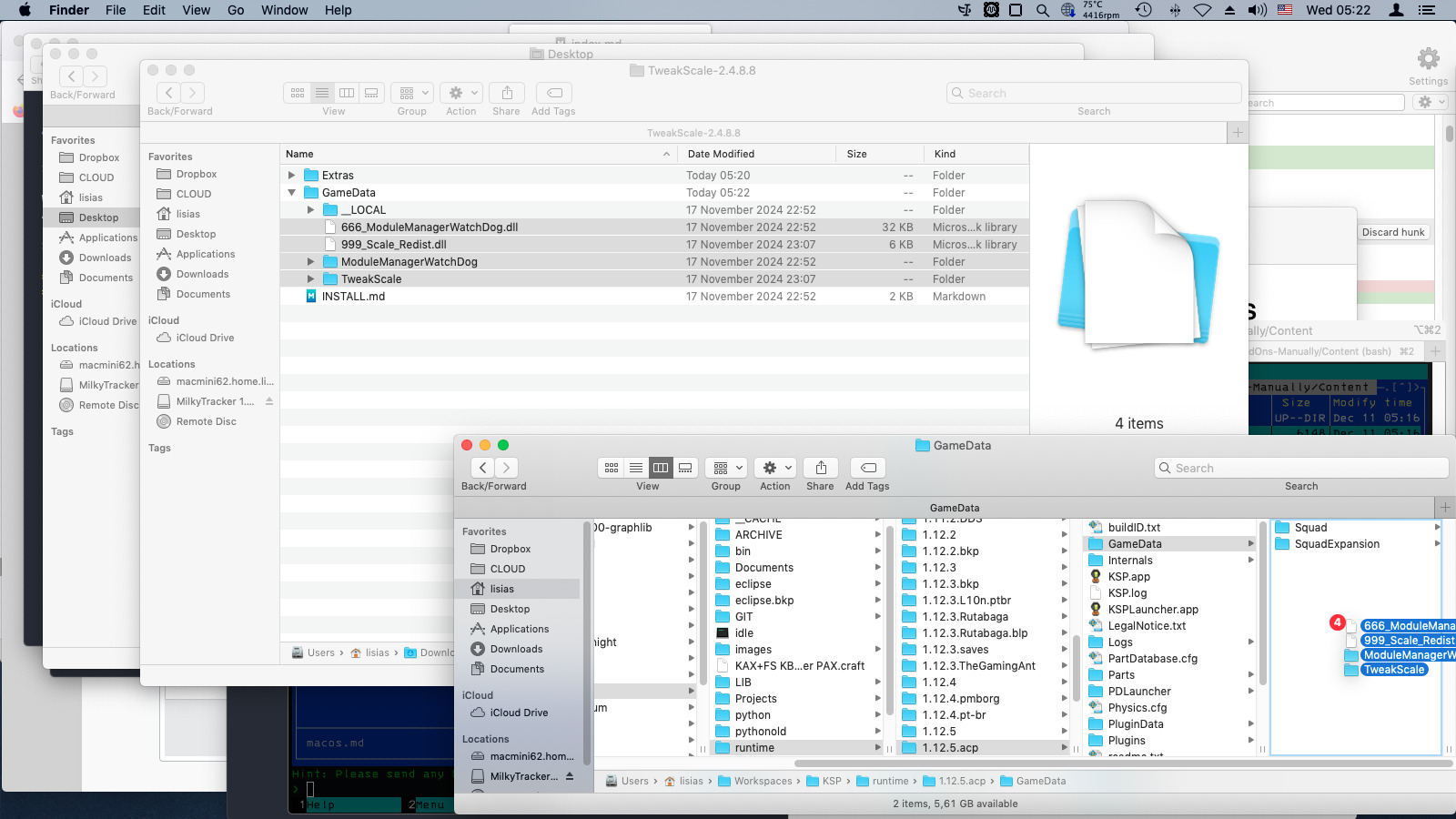
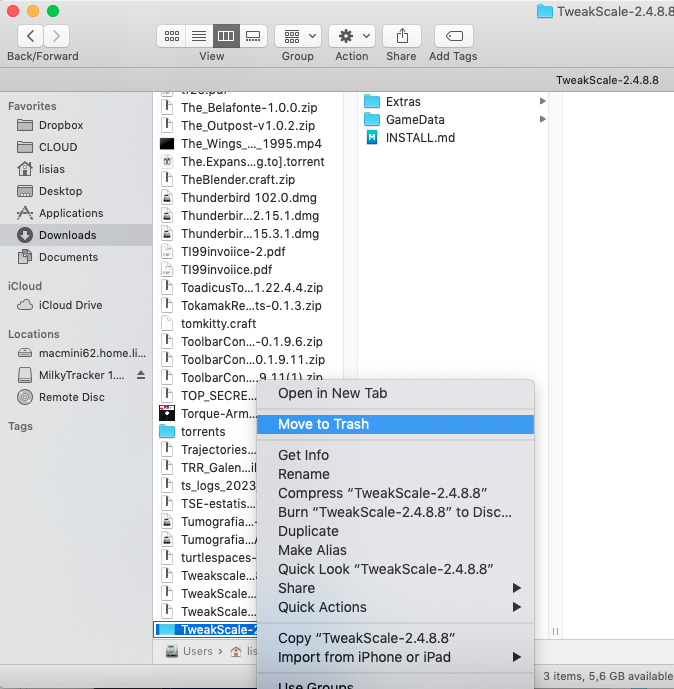
Finally, clean up
Delete the now emptied source directory.
You are set!
Usually you will find a INSTALL.md file on some zip files. These files provide you detailed instructions for installation, including dependencies.